

Soundbox Device
Physical device assigned to each merchant with unique SRN and Access Code credentials.
Assistant
Payvala Assistant
Suggestions
Press Enter to send · Shift+Enter for new line
A step-by-step interactive guide for merchants to activate their Payvala Soundbox device, register an email address, and enable future login access using email authentication.
Each merchant receives a physical Payvala Soundbox device during onboarding. The Device Serial Number (SRN) and Access Code are mandatory for first-time onboarding and secure activation.
Physical device assigned to each merchant with unique SRN and Access Code credentials.
Secure onboarding credential included in the device package. Required for first-time login.
Device-based authentication ensures only verified merchants can access the onboarding dashboard.
After successful authentication, merchants gain access to the onboarding dashboard.
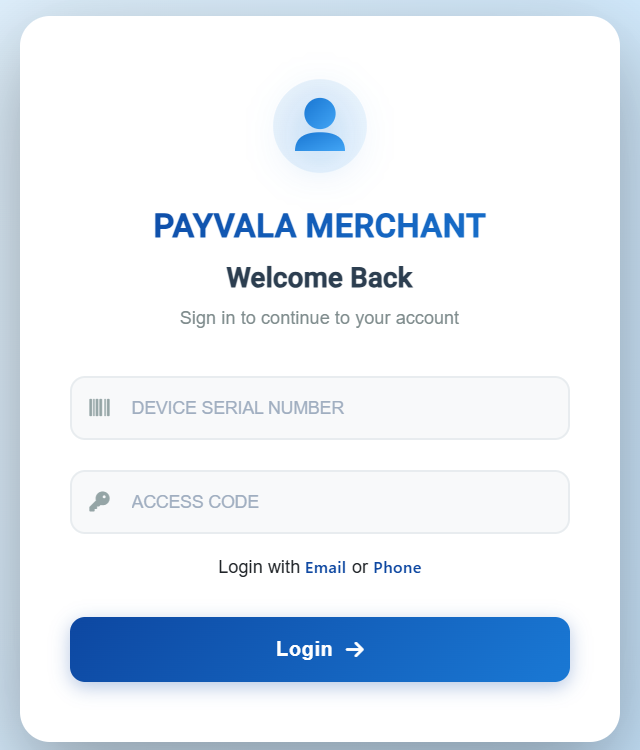
Unique hardware identity assigned to the merchant's Soundbox device. Find it on the device or package documentation.
Secure onboarding credential included in the Soundbox package. Keep this credential confidential.
Open the Payvala Merchant application
Enter Device Serial Number
Enter Access Code
Click Login
Merchant dashboard opens successfully
After login, open the hamburger menu on the dashboard and select Register Email to continue onboarding.
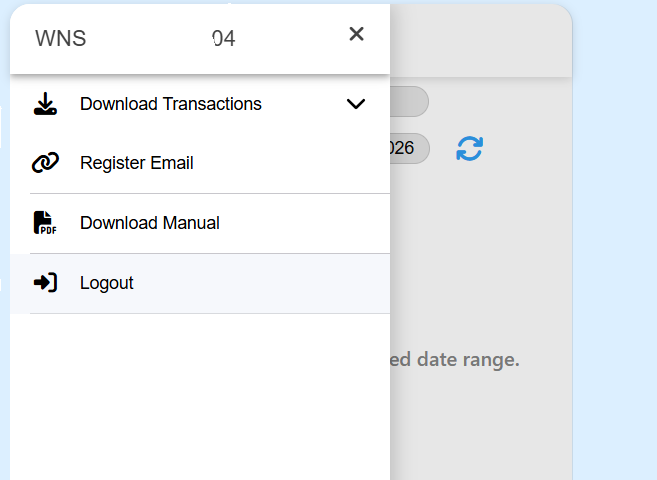
Select Register Email to proceed with merchant email registration.
Future login using email
Secure account recovery
Notification and communication support
Multi-device authentication readiness
The Register Email screen links the merchant's email address with the onboarded device. Complete the required fields and click Register to activate email authentication.
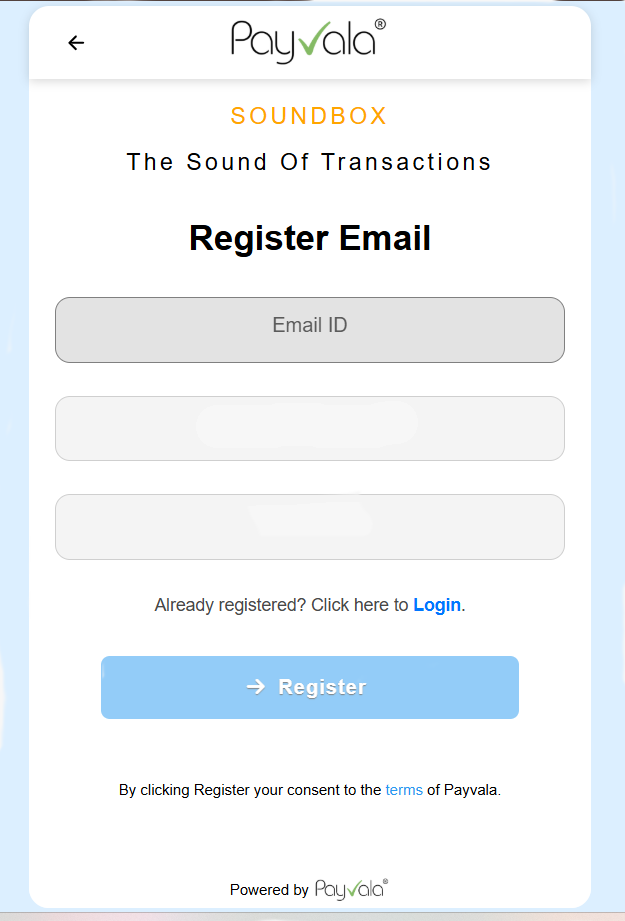
Use an active business or personal email for future logins, notifications, and account recovery.
Automatically linked from the current login session. The system validates the mapped device and access credentials.
Enter a valid email address
System verifies the mapped Device SRN and Access Code session
Click Register to activate email authentication
Merchant onboarding is completed
Once email registration is complete, merchants can log in using their registered email address or phone number instead of entering the Device SRN and Access Code each time.
Email and phone-based login replaces the need to enter Device SRN and Access Code on every session.
Email-based login maintains security while improving the merchant experience.
Email registration enables account recovery without requiring physical device access.
Payvala is built with enterprise-grade security, 99.9% uptime, and scalable infrastructure.